
How to Write SEO Blog Posts With AI & Rank on Google Fast (2026)
How to Write SEO Blog Posts With AI — The Smarter Way to Rank on Google in 2026
By ZestPDF Team | AI Tools & Blogging | 8 min read
Let's talk about something that's quietly changing how websites rank on Google.
A year ago, writing a good SEO blog post meant hours of keyword research, drafting, editing, formatting, and then crossing your fingers and hoping Google liked it. Most small business owners either didn't have time for it or paid someone a lot of money to do it for them.
That's changed. AI writing tools — specifically Claude AI and Claude Code — have made it possible for anyone to produce well-researched, genuinely useful, SEO-optimised blog content in a fraction of the time.
This isn't about spamming the internet with low-quality AI garbage. Google can detect that and it will hurt you. This is about using AI as a smart writing partner — to write faster, research better, structure your posts properly, and rank higher.
Here's exactly how to do it.
What Is Claude AI and Claude Code?
Before we get into the strategy, a quick introduction for anyone who hasn't used these tools yet.
Claude AI is an artificial intelligence assistant made by Anthropic. Think of it as a highly capable writing and research partner that you can have a conversation with. You give it context, direction, and your ideas — it helps you turn those into polished, well-structured content. Claude is known for producing writing that reads naturally, reasons carefully, and doesn't sound like it was generated by a robot.
Claude Code is a more technical version of Claude — a command-line tool designed for developers and technically-minded users who want to automate tasks, run code, and build workflows directly from their terminal. For content creators and bloggers, Claude Code opens up the ability to build automated content pipelines — tools that can research topics, generate outlines, write drafts, check SEO, and format everything ready to publish, all in one go.
Together they represent one of the most powerful AI-assisted content creation workflows available right now.
Why AI Blog Writing Actually Works for SEO in 2026
There's a common fear that Google penalises AI-written content. Let's clear that up properly.
Google's official position is that it rewards helpful, high-quality content — regardless of how it was produced. What Google penalises is thin, repetitive, low-value content that was clearly generated without any real thought or editorial input. The key phrase from Google itself is "helpful content" — content that actually answers what the person was searching for.
AI-assisted content that is well-researched, genuinely useful, written with a real perspective, and edited by a human passes that test comfortably. The blogs ranking at the top of Google right now — from major publications to independent websites — are almost all using some form of AI assistance in their workflow.
The question isn't whether to use AI for blogging. The question is how to use it well.
How to Use Claude AI to Write SEO Blog Posts That Rank
Here's a step-by-step workflow that actually works — the same approach used to create the blog content at ZestPDF.com, which covers everything from how to compress PDF files to PDF tools comparisons and technical guides.
Step 1 — Start With the Right Keywords
Before you open Claude, do your keyword research. AI can help you write the article but you need to tell it what to write about — and that starts with knowing what people are actually searching for.
Look for keywords that have:
- Clear search intent — the person knows what they want
- Manageable competition — don't start by targeting "free PDF tools" when you're up against Adobe
- Long-tail opportunity — "how to compress a PDF on iPhone free" is easier to rank for than "compress PDF"
Tools you can use for keyword research: Google Search Console (free), Google's autocomplete and "People Also Ask" boxes (free), Ubersuggest, Ahrefs, or Semrush.
Once you have your target keyword, you're ready to brief Claude.
Step 2 — Give Claude a Specific, Detailed Prompt
This is where most people go wrong. They type "write me a blog about PDF tools" and wonder why the output is generic.
The quality of your output is entirely determined by the quality of your input. Here's what a good Claude prompt looks like:
Weak prompt: "Write a blog post about compressing PDFs."
Strong prompt: "Write a 1,500-word SEO blog post targeting the keyword 'compress PDF free online'. The audience is small business owners and freelancers who are not technical. The tone should be conversational and helpful — like a knowledgeable friend explaining something, not a corporate manual. Include: an intro that opens with a relatable problem, a step-by-step how-to section, a section on when you'd need this, a FAQ section, and a CTA linking to zestpdf.com. Do not use bullet points in the intro. Avoid sounding like AI — vary sentence length, use contractions, and write like a human."
See the difference? The second prompt gives Claude everything it needs to produce something genuinely useful.
Step 3 — Use Claude Code for Content Automation
If you're running a blog at scale — say you need to publish 10–20 articles per month across different topics — doing each one manually through the Claude chat interface gets tedious. This is where Claude Code comes in.
Claude Code is a command-line AI tool that lets you write and run instructions programmatically. For bloggers and content marketers, this means you can build a workflow that:
- Takes a list of target keywords from a spreadsheet or text file
- Generates a full SEO brief for each keyword automatically
- Writes a complete draft article for each one
- Formats the output as Markdown, HTML, or whatever your CMS needs
- Saves each article to a folder ready for review and publishing
Here's a simple example of how you'd use Claude Code for this:
# Install Claude Code (requires Node.js)
npm install -g @anthropic-ai/claude-code

# Run Claude Code from your terminal
claude
Once inside Claude Code, you can give it instructions like:
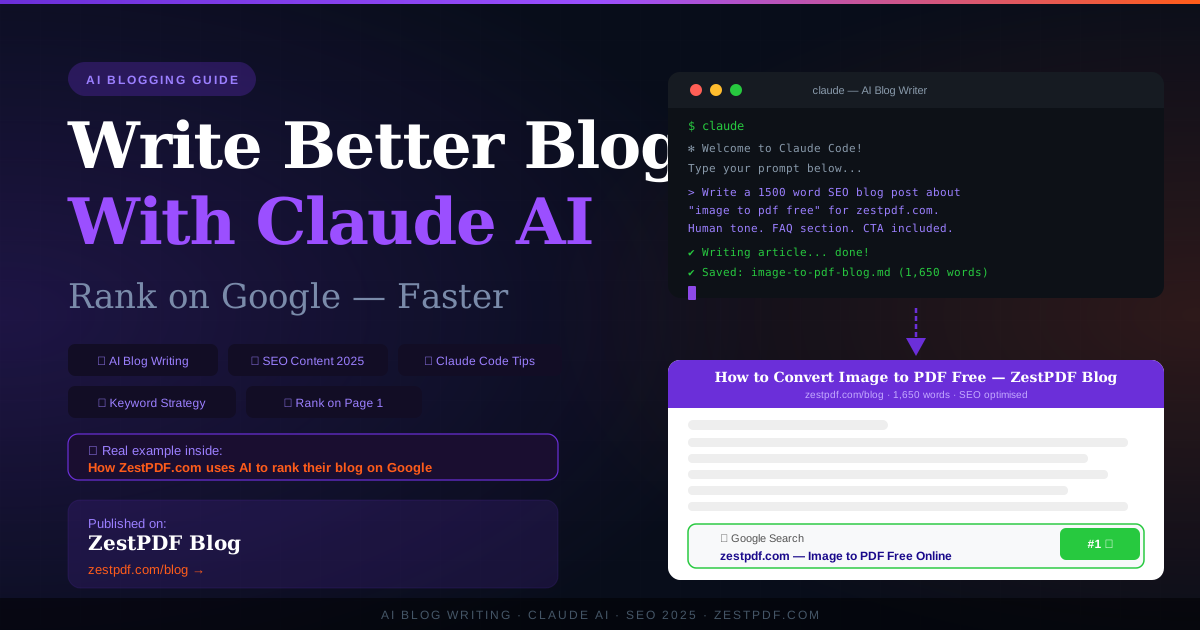
"Read the file keywords.txt. For each keyword in the list, write a 1,200-word SEO blog post in a conversational tone targeting that keyword. Save each article as a separate Markdown file named after the keyword. Include an introduction, how-to section, FAQ, and CTA to zestpdf.com."
Claude Code will work through the list, write each article, and save the files — all without you touching each one individually. You review, edit, and publish. The heavy lifting is done.
This is the kind of workflow that lets a small team — or even a solo founder — produce the volume of content that used to require an entire content marketing department.
Step 4 — Structure Every Post for SEO
Whether you're writing manually with Claude AI or automating with Claude Code, every blog post should follow this structure for maximum SEO impact:
Title (H1) — Contains your primary keyword. Ideally under 60 characters. Makes a clear promise to the reader.
Introduction — Opens with a relatable problem or situation. Naturally includes the primary keyword in the first 100 words. Does NOT start with "In today's digital world" or any cliché AI opener.
H2 Subheadings — Break the article into clear sections. Include secondary keywords naturally in subheadings. Google reads these carefully when deciding what the article is about.
Step-by-step or how-to section — Google loves numbered, actionable content. This is what gets pulled into featured snippets — the boxes that appear at the top of search results above all the regular links.
FAQ section — Answer 5–8 questions people actually search for around your topic. These target "People Also Ask" boxes in Google and drive significant additional traffic.
Internal links — Link to other pages on your site. ZestPDF does this well — the compression article links to the merge tool, which links to the sign tool, and so on. This keeps readers on your site and tells Google all your pages are connected.
CTA (Call to Action) — Tell the reader what to do next. Be direct. "Try ZestPDF free at zestpdf.com" is better than "feel free to explore our platform at your leisure."
Meta title and description — Write these separately for every post. They don't appear in the article itself but they're what shows up in Google search results. Include your keyword. Keep the description under 160 characters.
Step 5 — Always Edit the AI Output
This is non-negotiable.
Claude AI produces impressive drafts but they still need a human pass before publishing. What to check:
Accuracy — AI can occasionally get details wrong. If the article makes specific claims (statistics, dates, feature descriptions), verify them. For your ZestPDF articles, make sure the tool descriptions match what the tool actually does.
Brand voice — Read the draft out loud. Does it sound like your brand? Adjust the tone, add personal touches, remove anything that feels stiff or corporate.
Repetition — AI drafts sometimes repeat ideas across sections. Trim anything that's said twice.
Originality — Add something the AI couldn't know: a real example from your own experience, a specific observation about your users, a data point from your own platform. This is what separates AI-assisted content that ranks from AI content that doesn't.
The opening line — AI almost always writes a weak opening. Rewrite the first sentence yourself. Make it punchy, specific, and immediately interesting.
Step 6 — Post Consistently and Build Internal Links
One good article rarely ranks on its own — especially for a newer website. Google rewards sites that consistently publish useful content and demonstrate expertise across a topic over time.
The strategy at ZestPDF is a good example of this done right: rather than writing one generic article about "PDF tools", the site publishes individual focused articles for each tool — compress PDF, merge PDF, sign PDF, watermark PDF, decrypt PDF, image to PDF — each targeting its own specific keyword cluster. Over time these articles build topical authority together, which lifts all of them in rankings.
The same approach works for any niche. If you run a food blog, don't write one article about "Italian food" — write 20 articles about specific Italian recipes, ingredients, techniques, and regional variations. Each one targets a different keyword, they all link to each other, and together they signal to Google that your site is the authority on Italian food.
AI — and specifically Claude — makes this kind of content volume achievable for small teams that couldn't produce it manually.
Real Example — How ZestPDF Uses AI-Assisted Blogging
ZestPDF.com is a free online PDF toolkit — it lets you compress, merge, sign, convert, watermark, and decrypt PDFs entirely in your browser, with no file uploads and complete privacy. It's a genuinely useful tool that millions of people search for every month.
The ZestPDF blog uses an AI-assisted content workflow to build out individual articles for every tool and use case. Each article is:
- Targeted at a specific long-tail keyword ("compress PDF free without losing quality", "how to sign a PDF on iPhone free")
- Written in a human, conversational tone — not corporate, not robotic
- Structured with proper H2s, FAQ sections, and internal links
- Given a unique meta title and description for search
- Published with a custom 1200x630px thumbnail image for social sharing
The result is a growing library of genuinely useful content that ranks for terms real people search for, brings in organic traffic, and converts visitors into tool users — without requiring a large content team or a massive budget.
This is exactly the model AI-assisted blogging makes possible for any business, in any niche.
AI Blog Writing Tools Worth Knowing in 2026
Beyond Claude AI and Claude Code, here are other tools that fit into an AI blogging workflow:
Claude AI (claude.ai) — Best for long-form, nuanced, human-sounding content. Excellent for blog posts, product descriptions, and editorial content. The conversational interface makes it easy to refine and iterate on drafts.
Claude Code — Best for technical users who want to automate content workflows at scale. Ideal for running batch article generation, formatting content for CMS, and integrating with other tools via the command line.
Google Search Console — Free tool for tracking which keywords your articles rank for, how many clicks you're getting, and which pages need improvement. Essential for any SEO workflow.
Surfer SEO or Clearscope — These tools analyse top-ranking articles for your target keyword and tell you which related terms to include. Use them alongside Claude for content that's optimised beyond just the primary keyword.
Canva or a custom SVG tool — Every blog post needs a thumbnail. Visuals drive social shares and click-through rates. Design your thumbnails to be consistent with your brand — same colours, same font, same layout across all posts.
Common Mistakes to Avoid With AI Blog Writing
A few things that will hurt your rankings even if the writing is good:
Publishing without editing — Raw AI output, published without review, reads like raw AI output. Readers notice. Google notices. Always edit.
Keyword stuffing — Forcing a keyword into every other sentence doesn't help SEO anymore and makes the writing terrible. Use your keyword naturally, focus on answering the question fully, and trust that Google will figure it out.
Ignoring search intent — If someone searches "how to compress a PDF", they want a how-to guide, not a think piece about the history of PDF compression. Match what you write to what the searcher actually wants.
No internal links — Every article should link to at least 2–3 other pages on your site. It keeps readers engaged, reduces bounce rate, and helps Google understand your site structure.
Inconsistent publishing — Posting 10 articles in one week and then nothing for two months sends confusing signals. A steady rhythm — even just 2–4 articles a month — beats burst publishing every time.
The Bottom Line
AI writing tools — especially Claude AI and Claude Code — have genuinely levelled the playing field for small businesses, solo founders, and independent bloggers who want to compete in organic search.
You don't need a content team. You don't need a huge budget. You need a clear keyword strategy, a good prompt, a solid editing pass, and the consistency to keep publishing.
The businesses that figure this out in 2026 are the ones that will own the first page of Google for their niche in 2026.
Start with one article. Pick one keyword your audience actually searches for. Use Claude to draft it. Edit it. Publish it. See what happens.
If you need to produce, manage, or share any documents along the way — ZestPDF has every PDF tool you'll ever need, completely free and completely private.
Looking for free PDF tools? ZestPDF lets you compress, merge, sign, convert, watermark, and decrypt PDFs in your browser — no uploads, no account, no cost. Visit zestpdf.com.
Tags: AI blog writing, write blog with AI, Claude AI blogging, Claude Code tutorial, how to write SEO blog posts with AI, AI SEO content 2026, make blog with AI, AI content marketing, rank on Google with AI, best AI writing tools 2026, Claude AI for content, how to use Claude for blogging, AI blog post generator, SEO blog writing tool, blog writing automation, artificial intelligence blog writing, ZestPDF, free PDF tools